Sheet 02of 17
TaleCord (Tool)
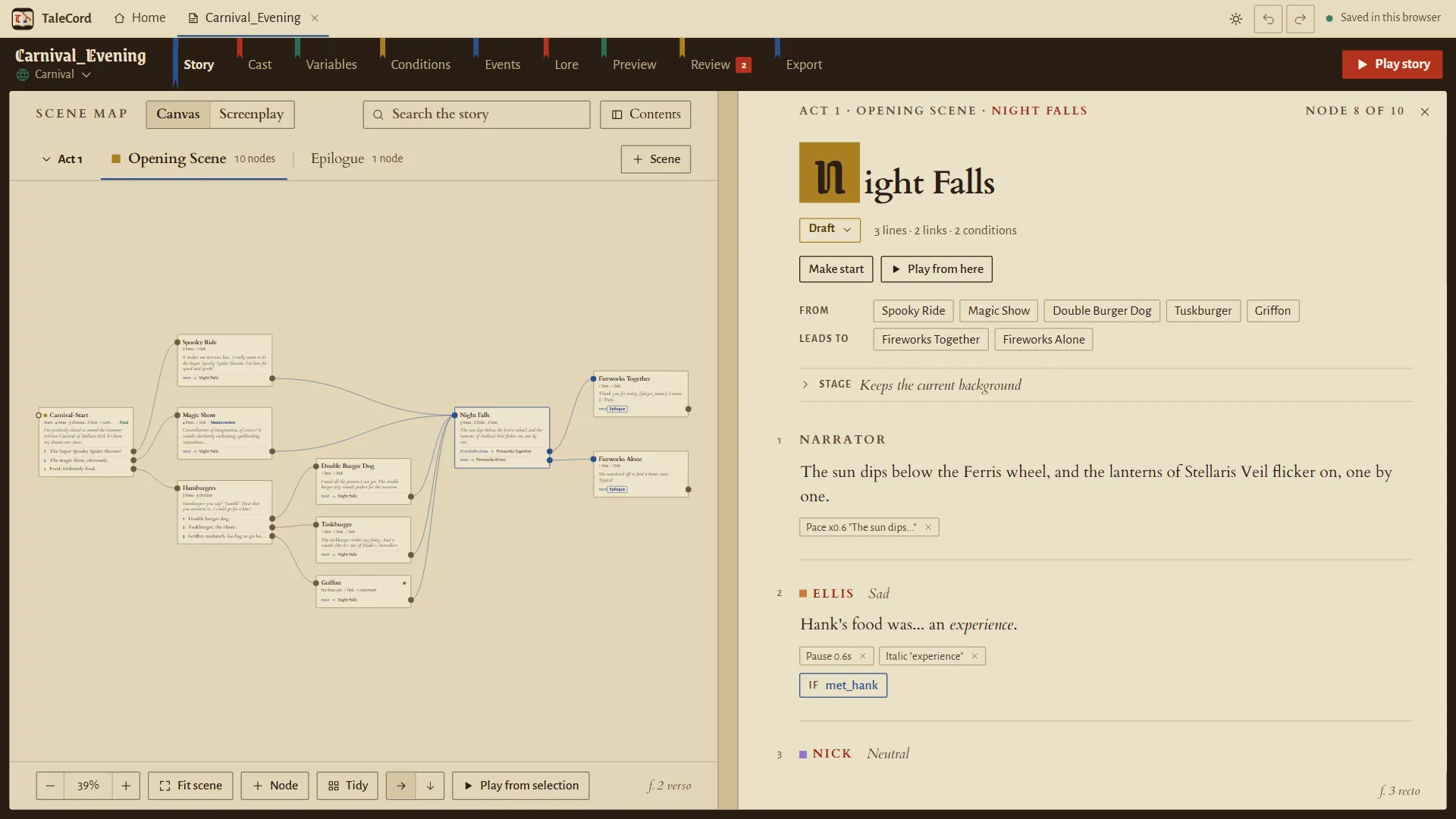
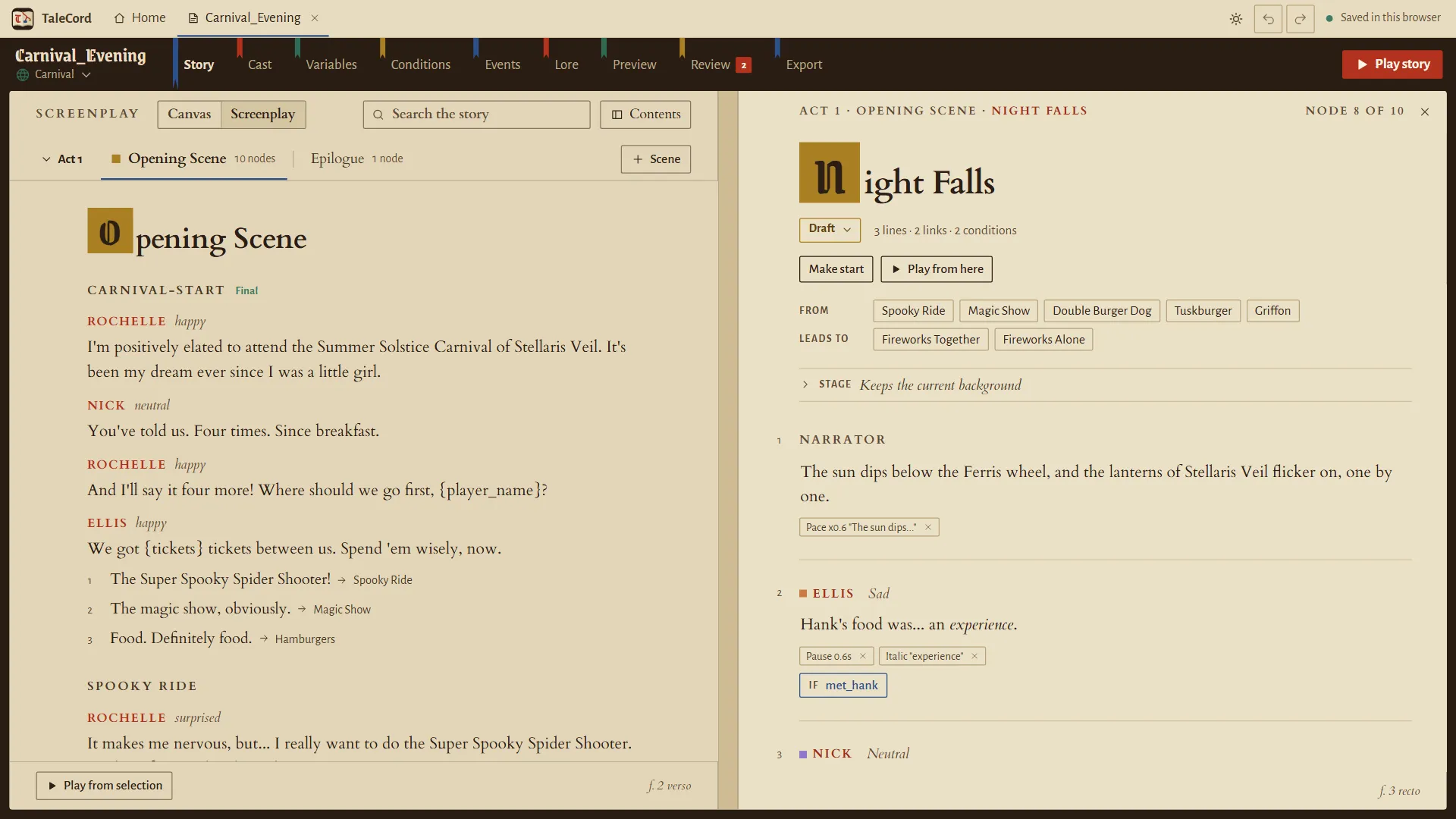 Screenplay view
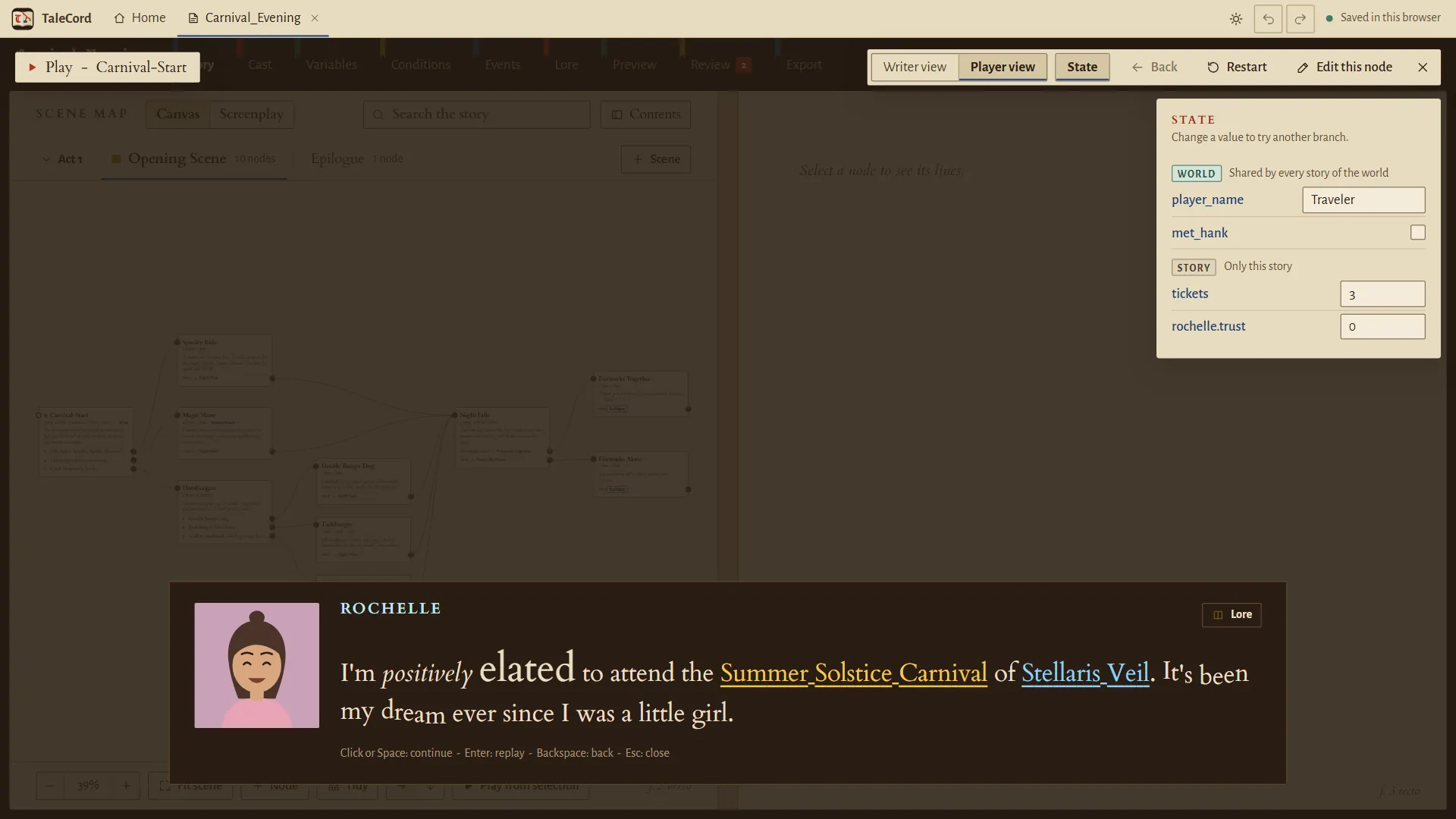 Play-testing a scene
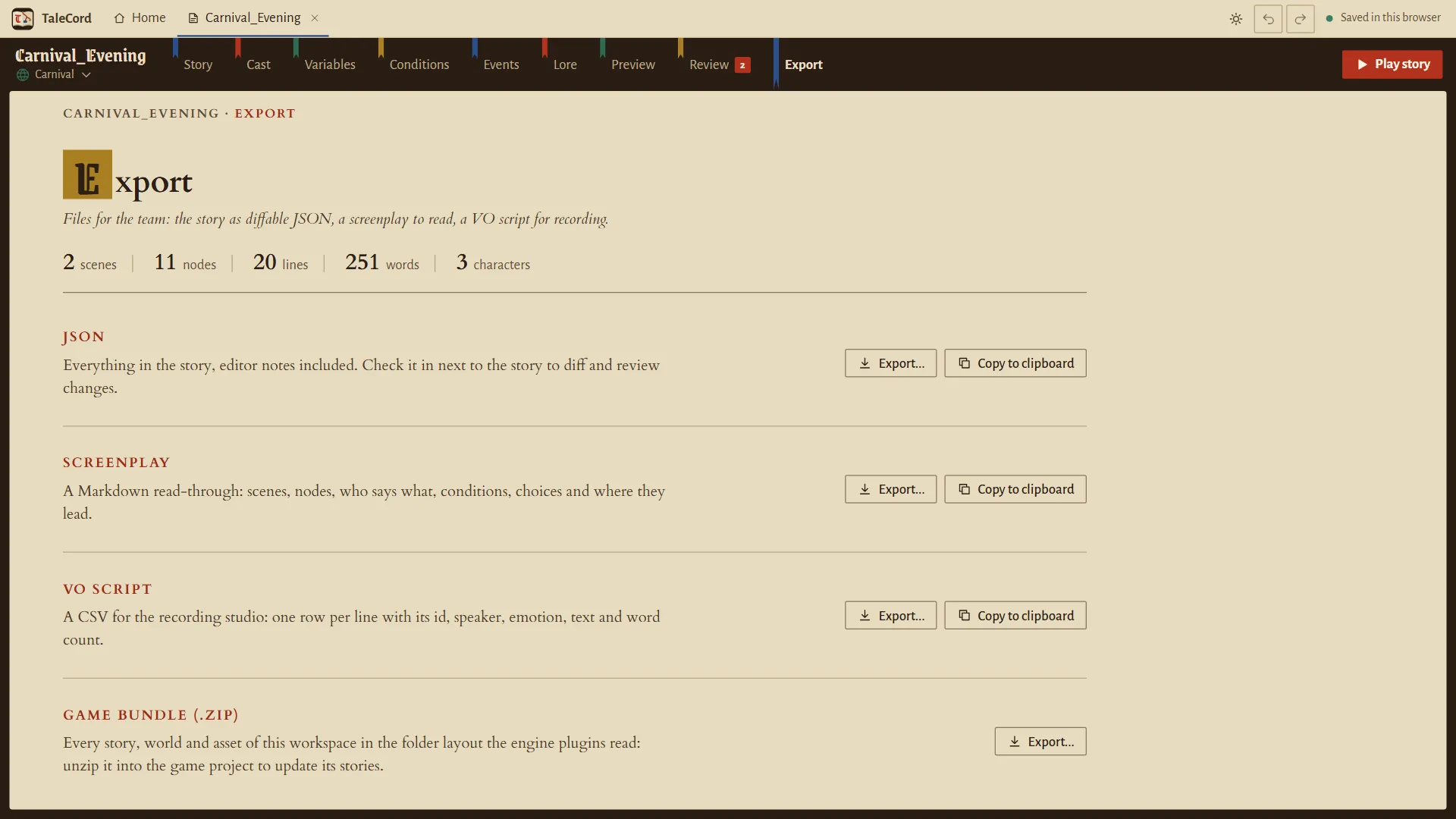 Export
A story editor for game writers: branching scenes on a canvas, exported as JSON. Local, offline, no sign-in.
I made TaleCord for game writers, and for anyone who writes a story that branches. You lay out scenes as nodes on a canvas and write each line with its speaker and mood. When you just want to read it through, switch to the screenplay view. A play-test mode runs the story right in the editor, with its variables on the side so you can try another branch.
When it is done, export it as JSON and take it into whatever game engine you use, however you like. There is also a Markdown screenplay to read and a CSV script for voice recording.
The part I care about most: everything stays on your machine. TaleCord runs in the browser, works offline and needs no account. Nothing you write gets sent anywhere.
- Local and offline
- No sign-in
- Export to JSON
- Play as you write
- Kind
- Tool
- Role
- Solo developer
- Platform
- Web browser
- Exports
- JSON, Markdown, CSV, zip
- With
- Story Writing, Graph Based Tool, Cast Editor, Dialogue Builder
- At
- talecord.ginryuu.com